Best IPTV Players for 4K Streaming in 2026
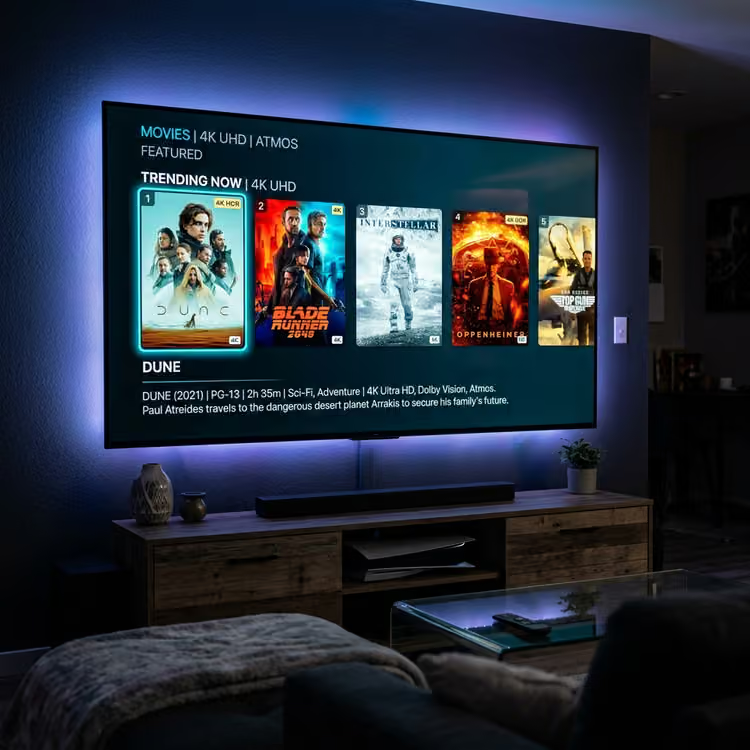
When it comes to 4K IPTV streaming, the service you subscribe to is only half the equation. The other half is the software you use to play it.
An IPTV player is the application that reads the channel lists (playlists) from your provider (like ISCREEN HD IPTV), decodes the video streams, and displays the content on your screen. Not all players are created equal. A low-quality player can cause buffering, stuttering, and dropped frames, even on a blazing-fast gigabit internet connection.
This guide breaks down exactly what makes an IPTV player capable of smooth 4K playback and compares the best options available in 2026 so you can find the perfect match for your device and technical comfort level.
What to Look for in an IPTV Player
If your goal is to watch 4K live sports, movies, and TV shows without interruption, you need an application built to handle high-bandwidth streams. Here is what separates a basic player from a premium one:
H.265 / HEVC Support
4K video files are massive. To stream them efficiently over the internet, providers use High Efficiency Video Coding (HEVC), also known as H.265. If your player does not efficiently support H.265 decoding, your 4K stream will suffer from constant freezing or audio desynchronization.
Hardware Acceleration
Software decoding forces your device's CPU to do all the heavy lifting, which often leads to overheating and lag. A good 4K player supports hardware acceleration, offloading the video processing to the device's specialized graphics chip (GPU).
EPG Support
An Electronic Program Guide (EPG) gives you a traditional TV-guide experience, showing what is currently airing and what is coming next. The best players seamlessly integrate EPG data and update it automatically in the background. (If you face issues with this, read how to fix EPG not loading).
M3U and Xtream Codes Support
Most premium providers deliver access via an M3U playlist URL or an Xtream Codes API (which requires a Server URL, Username, and Password). A versatile player should support both methods to ensure compatibility with your chosen service.
Buffer and Playback Controls
Internet speeds fluctuate. Advanced players allow you to manually adjust the buffer size—how much of the video the app downloads before it starts playing. Increasing the buffer size is one of the most effective ways to prevent micro-stutters during live events.
Device Compatibility and Interface
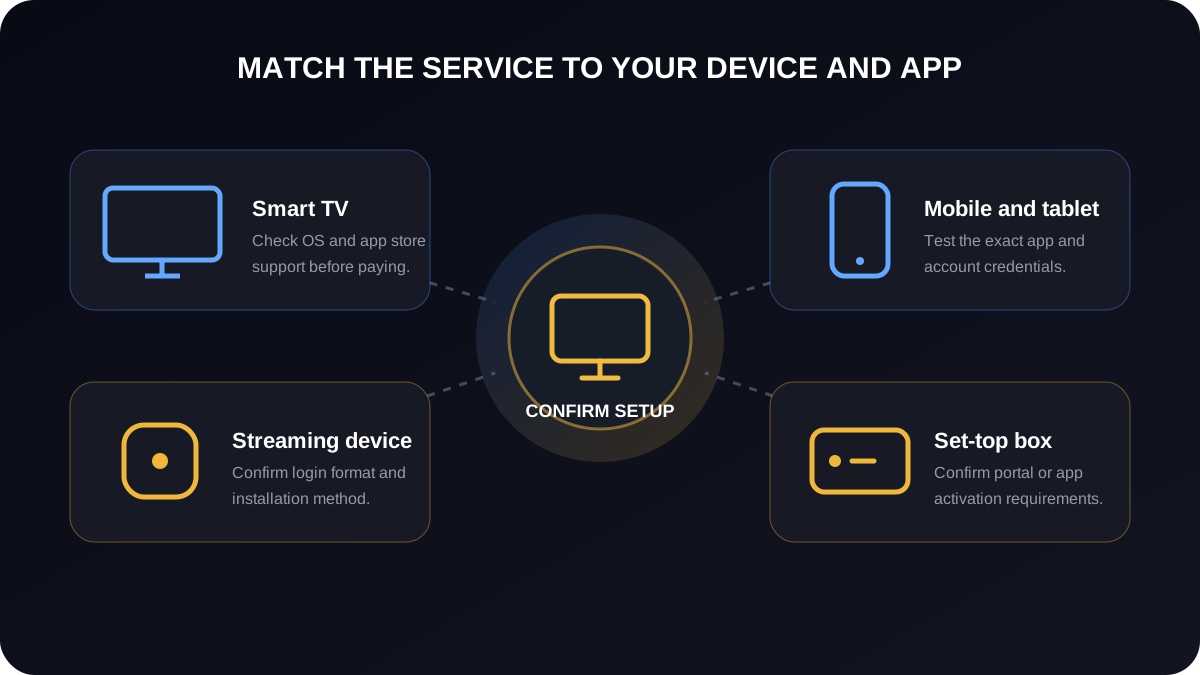
A player designed for a touch screen will be a nightmare to navigate using a TV remote. Choose a player specifically designed for the device you intend to use it on, whether that is a Firestick, an Apple TV, or a mobile phone. Check out our Apple TV IPTV setup guide or Firestick IPTV tutorial.
 Device App Compatibility
TiviMate — Best for Android TV and Firestick
TiviMate is widely considered the gold standard for IPTV playback on television screens. It is explicitly designed to be navigated with a directional pad (D-pad) on a remote control, making it feel like a traditional cable box interface.
- Best For: Living room setups, Smart TVs, and dedicated streaming sticks.
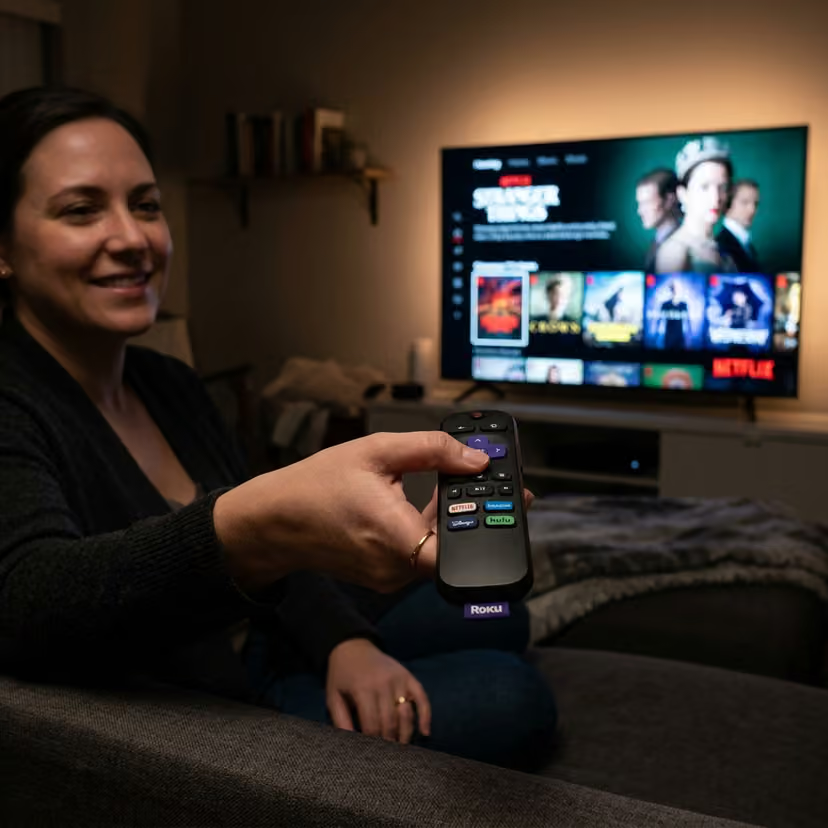
- Supported Platforms: Android TV, Google TV, Amazon Fire OS.
- Key Features: Excellent EPG integration, picture-in-picture (PiP), multi-view for watching several streams at once, and robust buffer settings.
- The Verdict: If you use an Android-based streaming box or a Firestick and want a premium, TV-optimized experience, TiviMate is unparalleled. The free version offers basic playback, but the one-time premium unlock is highly recommended for unlocking the advanced 4K features.
 Firestick Setup Guide
VLC Media Player — Best Free Cross-Platform Option
VLC is a legendary open-source media player that has been a staple of desktop computing for decades. While it is not designed exclusively for IPTV, it is incredibly powerful and entirely free.
- Best For: Desktop/Laptop users and testing playlists.
- Supported Platforms: Windows, macOS, Linux, Android, iOS.
- Key Features: Exceptional hardware acceleration, plays virtually every video format in existence, and easily handles standard M3U files.
- The Verdict: VLC lacks a traditional TV guide (EPG) interface, meaning you just get a raw list of channels. It is not the most user-friendly option for daily TV viewing in a living room, but it is the perfect tool for testing whether a 4K stream works on your network before setting up a more complex app.
IPTV Smarters Pro — Best for Beginners
IPTV Smarters Pro offers a simplified, tile-based interface that is incredibly easy to navigate. It separates Live TV, Movies, and Series into distinct, colorful categories.
- Best For: Users who want a quick, hassle-free setup without overwhelming customization options.
- Supported Platforms: Widely available across mobile, desktop, and smart TVs (availability varies by app store).
- Key Features: Simple Xtream Codes API login, built-in EPG support, and native parental controls.
- The Verdict: If you want to enter your username and password and instantly start watching without tweaking settings, IPTV Smarters Pro is the easiest entry point. However, it lacks the deep buffer customization and multi-view features found in TiviMate. If you ever encounter login issues, check out our IPTV Smarters troubleshooting guide.
GSE Smart IPTV — Best for iPhone and iPad
Finding a highly customizable IPTV player in the Apple ecosystem can be challenging, but GSE Smart IPTV fills that gap effectively.
- Best For: iOS and macOS users who want deep control over their playlists.
- Supported Platforms: iOS, iPadOS, macOS, Android.
- Key Features: Extensive playlist management, support for multiple EPG sources, and strong format compatibility.
- The Verdict: GSE Smart IPTV’s interface feels a bit more technical and dated compared to modern apps, but it offers robust functionality for Apple users who want more than a basic player.
Kodi with PVR IPTV Simple Client — Best for Advanced Users
Kodi is an incredibly powerful open-source media center. By installing the official "PVR IPTV Simple Client" add-on, Kodi transforms into a highly capable IPTV player.
- Best For: Tech-savvy users who want to integrate IPTV into a broader, highly customized home theater setup.
- Supported Platforms: Windows, macOS, Linux, Android, iOS, Raspberry Pi.
- Key Features: Ultimate customization, massive library of skins (themes), and the ability to integrate local media with live IPTV.
- The Verdict: Kodi requires patience to set up. It is not a "plug and play" solution. But for users who want total control over their 4K viewing environment, it is an unbeatable, free platform.
Best IPTV Players Compared
| Player | Best For | Platforms | EPG | 4K Support | Difficulty | Price |
|---|---|---|---|---|---|---|
| TiviMate | TV interface | Android TV, Fire TV | Yes (Excellent) | Yes | Medium | Varies (Free/Premium) |
| VLC | PC/Mac & Testing | Windows, Mac, Linux, Mobile | No | Yes | Easy | Free |
| IPTV Smarters Pro | Beginners | Android, iOS, PC, Mac, Smart TVs | Yes | Yes | Easy | Varies (Free/Premium) |
| GSE Smart IPTV | Apple devices | iOS, Mac, Android | Yes | Yes | Medium | Check app listing |
| Kodi | Tech enthusiasts | Windows, Mac, Linux, Android, iOS | Yes | Yes | Hard | Free |
 IPTV vs Cable Hero
How to Improve 4K IPTV Streaming
Even the best IPTV player cannot fix a poor network connection. 4K streaming is demanding. It requires a stable, high-bandwidth connection—typically a minimum of 25-30 Mbps of consistent, uninterrupted throughput.
If you are experiencing issues with your 4K streams, do not immediately blame the provider or the player. Consider these hardware optimizations first:
- Use Ethernet Over Wi-Fi: Wi-Fi is susceptible to interference from walls, microwaves, and neighboring networks. A direct Ethernet cable connection to your streaming device is the single most effective way to eliminate micro-stuttering during a 4K broadcast.
- Upgrade Your Device: Older Smart TVs and first-generation streaming sticks often lack the processing power (and RAM) to decode H.265 video efficiently. If your device is sluggish navigating the menus, it will struggle to process a live 4K stream.
- Check Background Apps: Close unnecessary applications on your streaming device to free up memory before launching your IPTV player. Also review our World Cup IPTV streaming guide for advanced playback tips.
 Streaming Troubleshooting
Troubleshooting Common IPTV Player Problems
If you have chosen a player and paired it with a reliable service like ISCREENHD IPTV service in USA and Canada, you should enjoy a seamless experience. (See our affordable pricing to get started). However, if technical issues arise, here is how to troubleshoot them:
1. 4K Buffering
Buffering happens when your player processes the video faster than your network can download it.
- Fix: Run a speed test on the streaming device itself, not on your phone. If the speed is sufficient, go into your player's settings (like in TiviMate) and increase the "Buffer Size." This gives the player more time to download video ahead of playback, smoothing out minor network dips.
2. EPG Not Loading
If your channel guide is empty, the player cannot fetch the data schedule.
- Fix: Force an EPG update in the app's settings. If that fails, double-check that your EPG URL is typed perfectly. EPG files are large; give the app a few minutes to download and parse the data after updating.
3. App Crashing
If the player closes abruptly and returns you to the home screen, it usually indicates a memory overload.
- Fix: Restart your streaming device completely. On devices like Firestick, navigate to the device settings and clear the app's cache. If the app continues to crash, completely uninstall and reinstall the latest version.
4. Channels Not Appearing
If you open the app and see zero channels, it means the player failed to download the playlist.
- Fix: Verify your playlist URL or Xtream Codes credentials. Remember that passwords are case-sensitive. Check your subscription status to ensure your account is currently active.
5. Audio/Video Synchronization Problems
If the audio does not match the lip movements on the screen, the player's decoder is struggling.
- Fix: Look for a setting called "Audio Offset" or "Audio Sync" in your player to manually adjust the delay. Alternatively, try switching the decoding method from "Hardware" to "Software" (or vice versa) in the player's playback settings.
Need more help setting up your apps? Review our IPTV installation guides.
Frequently Asked Questions
What is the best IPTV player for 4K? TiviMate is generally considered the best overall player for 4K streaming on television screens due to its efficient decoding and excellent buffer management.
Which IPTV player is best for Firestick? TiviMate and IPTV Smarters Pro are both highly recommended for Firestick because they are easily navigated with the standard remote control.
Is TiviMate better than IPTV Smarters? TiviMate offers a more traditional cable-like interface and more advanced playback settings, making it popular with enthusiasts. IPTV Smarters is simpler and more beginner-friendly. "Better" depends on your preference.
Can VLC play IPTV playlists? Yes. VLC can open and play standard M3U playlist files, making it an excellent, free tool for testing streams on a PC or Mac.
What is the best IPTV player for iPhone? GSE Smart IPTV and IPTV Smarters Pro are both strong options for iOS devices, offering mobile-friendly touch interfaces.
Does Kodi support IPTV? Yes. By installing the official PVR IPTV Simple Client add-on, Kodi becomes a very powerful IPTV player.
Why does my 4K IPTV stream buffer? 4K buffering is usually caused by network instability (especially on Wi-Fi), insufficient internet bandwidth, or a device that lacks the processing power to decode high-bitrate video.
Does an IPTV player provide the channels itself? No. An IPTV player is just an empty software application, exactly like a DVD player without a DVD. You must provide the content via a subscription to an IPTV service provider.
Do IPTV players support Xtream Codes? Most modern, dedicated IPTV players (like Smarters and TiviMate) fully support Xtream Codes API login. General media players like VLC usually require an M3U playlist URL instead.
What internet connection is recommended for 4K IPTV? A stable connection of at least 25-30 Mbps is recommended. However, stability (low latency and zero packet loss) is often more important than raw speed.
Legal and Responsible Use Note
IPTV players are simply media playing applications; they are completely legal to download and use. However, the legality of the content you access through them depends entirely on the service provider you choose. Users are responsible for ensuring that the IPTV service they subscribe to holds the appropriate rights and licenses to distribute the content in their region. Always respect copyright laws and terms of service.
Final Thoughts
Choosing the right IPTV player is a crucial step in building a premium 4K streaming setup. If you are using a Smart TV or Firestick, choosing a recommended app from our supported devices list is highly accessible.
Take the time to explore a few options to see which interface you prefer. Once you pair a high-quality player with a reliable provider like ISCREENHD IPTV and a hardwired ethernet connection, you will unlock the true potential of modern 4K streaming. If you have questions about which player works best with our service, reach out to our support team or read our FAQ today.